



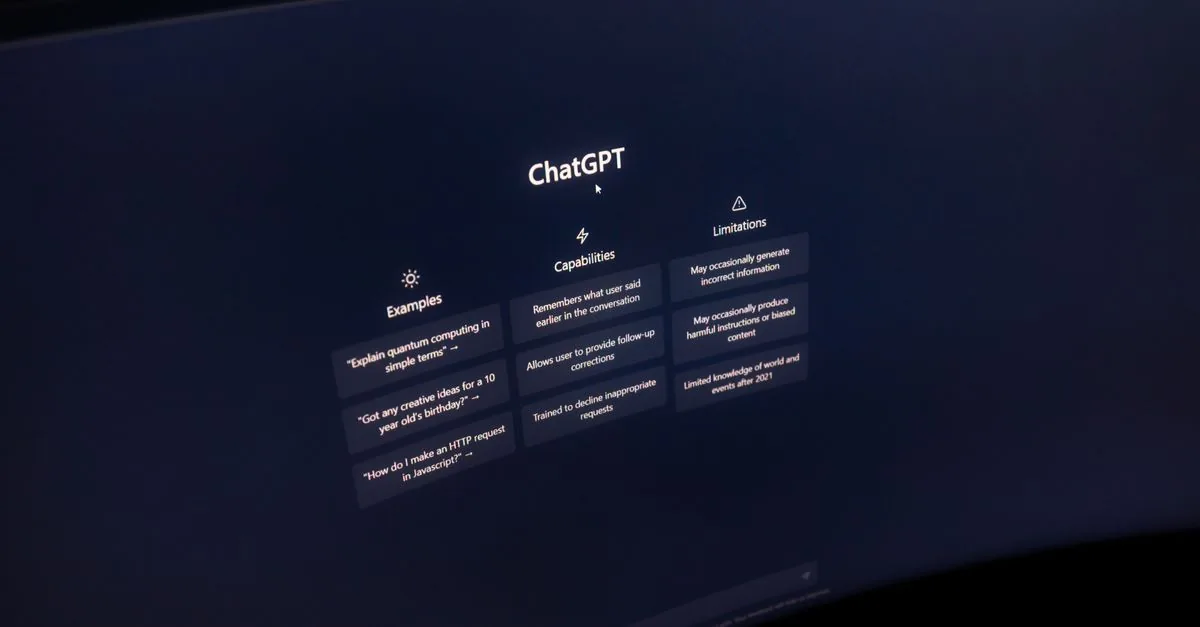
OpenAI this weekend announced a new „Computer History“ feature for the macOS ChatGPT desktop app. It’s the first tool to automatically capture user activity across approved apps and websites, turning the collected data into a structured timeline that can be used by both ChatGPT and Codex. The feature replaces the previous „Chronicle“ solution, which relied on periodic screenshot recordings, and provides a much more flexible and less invasive data collection model.
„Computer History works through the macOS accessibility API, capturing events of typing, clicks, and keystrokes. The resulting raw data is transformed into structured memories that are loaded into a navigable timeline. When a user interacts with ChatGPT, the model can use this information to provide contextually tailored assistance—for example, continuing an unfinished task, suggesting automations, or simply having a priori knowledge of what the user is currently working on.
How Computer History works„
The feature is based on continuous monitoring via the macOS Access API, rather than taking screenshots. This avoids recording sensitive information visible on the screen. The Chronicle approach, which relies on periodic screenshots, has been criticized for potential privacy violations. The new system collects only structured interaction data: clicks, keystrokes, and application switching. This information is transformed into „memories“ that are uploaded to a timeline that ChatGPT and Codex can access based on user requests.
Privacy and control mechanisms
„Computer History is enabled only with user consent—the feature is off by default. This is an important difference from some other companies that have implemented data collection without explicit choice. Users can stop data collection at any time, exclude specific apps or websites from tracking, and delete individual entries from their timeline. Ari Weinstein, OpenAI’s head of product and engineering, emphasized that the feature will automatically ignore content viewed in incognito or private browser tabs. This shows that OpenAI is trying to balance functionality with privacy protection.
Business and Organizational Management
Computer History is currently only available to Pro, Business, and Enterprise users on macOS. For companies on Teams plans, additional administrative controls are available, allowing administrators to manage how the feature works across their organization, including the ability to limit the content that is tracked or temporarily disable data collection.
Geographical restrictions and competition
At launch, Computer History will not be available to users in the European Economic Area, Switzerland, and the United Kingdom, reflecting the usual approach to AI features that face stricter GDPR requirements. This restriction policy is a reminder that OpenAI is mindful of regional data protection regulations.
Microsoft tried a similar idea with Recall on Windows in previous years. However, Recall faced strong privacy criticism, causing delays and redesigns. OpenAI is learning from this experience, emphasizing an opt-in model and collecting structured data instead of screenshots.
What does Computer History mean for technology?
The new feature shows how AI tools are becoming increasingly integrated into everyday desktop work, providing not only answers to questions but also contextual assistance based on the user’s real-world activity history. This can improve work efficiency, especially when it comes to long, complex tasks that need to be interrupted and resumed. In addition, structured data collection offers the opportunity to avoid some of the privacy concerns associated with capturing screenshots.
OpenAI's Computer History feature is an important step towards a more contextual and personal AI assistant that not only answers queries but also remembers what the user does to offer more accurate solutions.
Future prospects
While the feature is currently only available in limited quantities, its success could lead to wider adoption, potentially including other operating system platforms. OpenAI could also improve data retention times, integration with other workflow tools, and further simplify the user control interface.
First and foremost, Computer History shows that AI tools can become an integral part of the work environment, providing ongoing context and memories that help users work more efficiently and with fewer errors.