



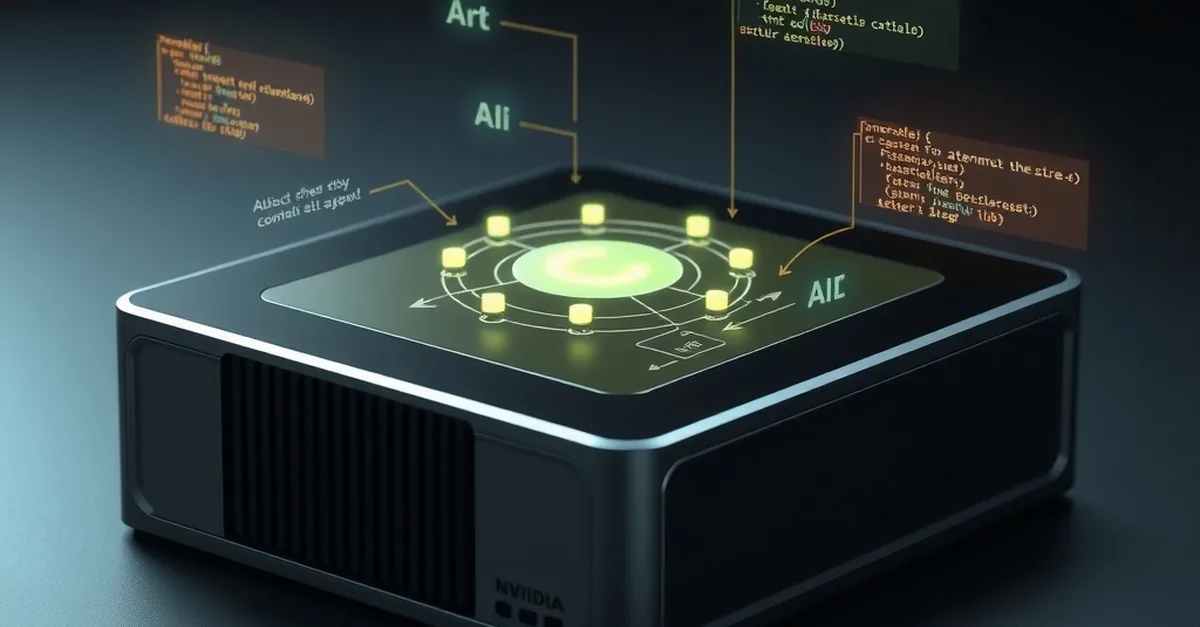
NVIDIA is expanding the capabilities of AI beyond the data center by providing developers with tools that allow them to quickly build, test, and deploy models on embedded systems. The key tool is NVIDIA TensorRT Edge‑LLM, a lightweight C++ inference engine designed for embedded workloads. It runs on NVIDIA DGX Spark as well as other platforms such as Jetson Thor, DRIVE AGX Thor, and IGX Thor. In this article, we’ll look at how a few simple commands allow you to run a Nemotron‑3.5 Lightning text model directly from the terminal and how you can speed up generation using DSpark speculative decoding.
NVIDIA DGX Spark as a prototyping platform
DGX Spark with 64 GB memory configuration provides embedded developers with the ability to prototyping, fine-tuning and testing in a single environment. The platform supports NVIDIA CUDA 13, TensorRT 10.16.1.11 (or later) and Python 3.10-3.12. This software combination ensures that TensorRT Edge-LLM runs stably and can exploit the full potential of the hardware.
Getting started with trtedge CLI
The model can be run via trade command-line tool (CLI). First, we open a terminal on DGX Spark, create and activate a virtual environment, and then install the TensorRT Edge-LLM package. The virtual environment allows you to isolate newly installed packages, but provides access to all Python packages on the system, including TensorRT.
„"„bash python -m venv .venv source .venv/bin/activate pip install tensorrt-edgellm „"„
After installation, we verify that the TensorRT Edge‑LLM runtime is successfully loaded. If compatible TensorRT connections are missing, you should follow the NVIDIA TensorRT pip installation instructions and install the appropriate 10.x version.
Downloading the model and running it for the first time
With the virtual environment active, we start a conversation with Nemotron‑3.5 Lightning:
„"„bash trtedge chat nemotron-3.5-lightning „"„
The first run takes longer as the model (about 21 GB) is downloaded and the TensorRT engine is created. Files are stored ~/.cache/tensorrt-edgellm directory, so you need to ensure sufficient disk space. Subsequent launches use cached data from already created engines, making the process almost instantaneous.
Launching an API server for prototyping
To integrate the model into an application, you can run a local OpenAI-compatible API server:
„"„bash trtedge serve nemotron-3.5-lightning --port 8000 „"„
The server creates or reuses the engine, and after starting it outputs a JSON response with ""status":"ready"". Another terminal session can send requests to http://localhost:8000/v1/chat/completions. Responses are returned as streaming JSON events, allowing you to monitor the generation in real time.
DSpark speculative decoding – faster generation
TensorRT Edge‑LLM supports DSpark speculative decoding, which uses a draft model to propose multiple tokens to test the main model at once. To enable this feature, stop the server (Ctrl+C) and start it with an additional parameter specifying how many draft tokens to use, e.g. three:
„"„bash trtedge serve nemotron-3.5-lightning --dspark 3 „"„
With DSpark enabled, the measured data shows that the time to first token (TTFT) and the overall token generation rate are significantly improved. Testing on a DGX Spark 64 GB with DSpark shows that the maximum system memory usage is 27.9 GB, including the operating system. This shows that even with the additional speculative logic, the device remains well balanced in terms of memory and performance.
Practical advice and conclusions
- Container – use default
~/.cache/tensorrt-edgellmdirectory to avoid repeated downloads. - Versions – make sure that the CUDA, TensorRT and Python versions meet the requirements; incompatibility may cause runtime errors.
- DSpark configuration – experiment with
num_speculative_tokensand other parameters to find the optimal speed for a specific workload. - Variety of devices – TensorRT Edge‑LLM works not only on DGX Spark, but also on Jetson, DRIVE, and IGX series, so developers can move their prototype to real edge devices without major changes.
In summary, NVIDIA TensorRT Edge-LLM provides a simple yet powerful means of running AI models on edge devices. A few commands allow for rapid download, creation of an inference engine, launch of an interactive chat, and even access to an API server, while DSpark speculative decoding provides an additional performance advantage. This technology paves the way for a new generation of embedded AI solutions, from driver attention monitoring to robot environment awareness and production line coordination.